










1. Introduction: Why Does “Inversion” Happen? Inversion Is Not a Sensor Failure—It’s a Misalignment of Conventions
NPN vs PNP sensors differ in how their outputs switch current, while NO vs NC defines when the output turns on. For typical 24 VDC PLC inputs, PNP sensors connect to sinking inputs and NPN sensors connect to sourcing inputs. If a signal appears reversed, first verify electrical compatibility, then check switching mode and PLC program logic.

This kind of “inversion” often does not come from sensor detection failure; it comes from a mismatch between the output logic definitions and the PLC input logic definitions. Discrete outputs include at least two layers of meaning:
• NPN/PNP: These are two different output modes (output polarity/drive mode). They determine what kind of conduction state and level logic the PLC DI terminal ultimately presents.
• NO/NC: These are normally open / normally closed contact logic rules. They determine how the sensor switches current and which PLC input circuit it can work with. The PLC input bit also depends on the input module and wiring.
For ultrasonic sensors (for example, the ISUB100 series), detection itself may be working correctly; however, if the PLC-side reading convention is reversed, it will create a fault that looks like inversion.
The core engineering approach is: make the output logic a verifiable mapping relationship—confirm NPN/PNP, NO/NC, and match them to the PLC DI common terminal type.
2. First, Separate Two Things Clearly: What NPN/PNP Determines vs. What NO/NC Determines
When integrating a discrete sensor into a PLC DI, be sure to break down the “output definition” into two layers and understand them separately:
• NPN/PNP solves how the electrical side sends the signal to the PLC.
• NO/NC solves what contact state the output presents on the logic side when not triggered vs. triggered.
An incompatible NPN/PNP output and PLC input is an electrical compatibility issue and may prevent the input from operating correctly. Separately, the NO/NC behavior or PLC program logic may be opposite to the intended application logic.

2.1 NPN/PNP: Determines “How the Output Works With the PLC DI Common Terminal”
NPN/PNP are two different output modes (output polarity/drive mode). They determine, during operation, what the relationship is between the sensor’s output current (or conduction path) and the PLC input common terminal—thereby affecting which final state the PLC DI terminal sees (typically expressed in engineering as a valid/invalid level corresponding to the common terminal type). Therefore, to judge whether inversion will occur, the first step is not to check whether the output indicator lamp is on. Instead, match the sensor output type with the PLC DI terminal’s common terminal mechanism. During integration, you must confirm—based on the PLC digital input configuration—whether the output should be set to NPN or PNP to ensure the output signal is compatible with the input common terminal / valid level.

2.2 NO/NC: Determines the Contact Logic in the “Not Triggered / Triggered” States
The meaning of NO/NC is normally open / normally closed (standard contact logic). It defines the connection relationship that the output terminal should present in two states—not triggered (object not present / not in position) and triggered (object present / in position)—thereby affecting the PLC-side “valid definition.”
An intuitive way to understand it is:
• NO (Normally Open): when not triggered, it is typically in an invalid connection / open tendency; after triggered, it shifts to an valid connection / conducting tendency.
• NC (Normally Closed): when not triggered, it is typically in an valid connection / closed tendency; after triggered, it shifts to an invalid connection / open tendency.
It is important to note that NO/NC determines the logical direction (whether it should become “valid” or “invalid” when triggered). It does not automatically correct the mismatch between NPN/PNP and the common terminal; the two must be matched together.
Key to avoiding inversion: it is not just about selecting the correct NPN/PNP or the correct NO/NC. Instead, you must match NPN/PNP (electrical polarity / how it pairs with the common terminal) together with NO/NC (trigger logic direction), and align them with the PLC DI common terminal type and the valid level definition.
3. Use a “Logic Mapping Table” to Establish the Relationship
To avoid “the wiring is correct but the logic is reversed,” the most effective engineering method is to convert the sensor output definitions (NPN/PNP + NO/NC) together with the PLC DI input common terminal type (common positive / common negative) into the same judgment convention—meaning:when the object is in position / triggered and when the object is not in position / not triggered, the PLC DI should be read in the program as a high level (valid = 1) or a low level (invalid = 0).

The table above is based on a common operating mode for 24V discrete DI: when the sensor output matches the PLC DI common terminal type, the sensor output being conducting corresponds to the DI being valid. A mismatch between the sensor output type and the PLC input circuit is an electrical compatibility issue, not a reliable way to invert logic. Verify the current path and the module wiring requirements before evaluating NO/NC behavior.Different PLC input modules may differ slightly in their display method / valid definition, but the selection basis for the mapping relationship still follows the same logic. Ultimately, please confirm using the “field validation” in Section 5.
3.1 How to Use This Table to Identify the Cause of the “Inversion”
• First, confirm whether the PLC DI is in Case A or Case B: check whether COM connects to common positive (+24V) or common negative (0V).
• Then determine the sensor output combination: NPN/PNP + NO/NC.
• Match the input value (1 or 0) that the table indicates should be read for in position / triggered. If it is opposite to the field behavior, it usually means that at least one definition is not aligned—most commonly:
o an incompatible NPN/PNP output and PLC input, which may prevent correct electrical operation;
o the NO/NC switching behavior or the PLC program logic is opposite to the intended application logic.
4. PLC Wiring and Input Common Terminal: Where Inversion Usually Happens
“Inversion” does not come from a single independent parameter; it usually occurs during the stage where signal definitions are cross-translated: when the PLC-side input common terminal convention does not match the sensor-side output effective current flow direction / polarity convention, or when the contact (NO/NC) selection is opposite to the definition of what “triggered = valid” means. Especially when connecting a 3/4-wire sensor to PLC DI, the input common (COM) type is the key point for determining whether a point will be naturally inverted.
In addition, the following engineering changes also often cause inversion to appear or be “triggered,” for example: replacing the PLC input module (different modules have different valid definitions / display methods), replacing isolated/expansion I/O, or during maintenance, changing only the wiring without synchronously confirming that the sensor version (NPN/PNP, NO/NC) and the PLC DI common terminal settings remain consistent.
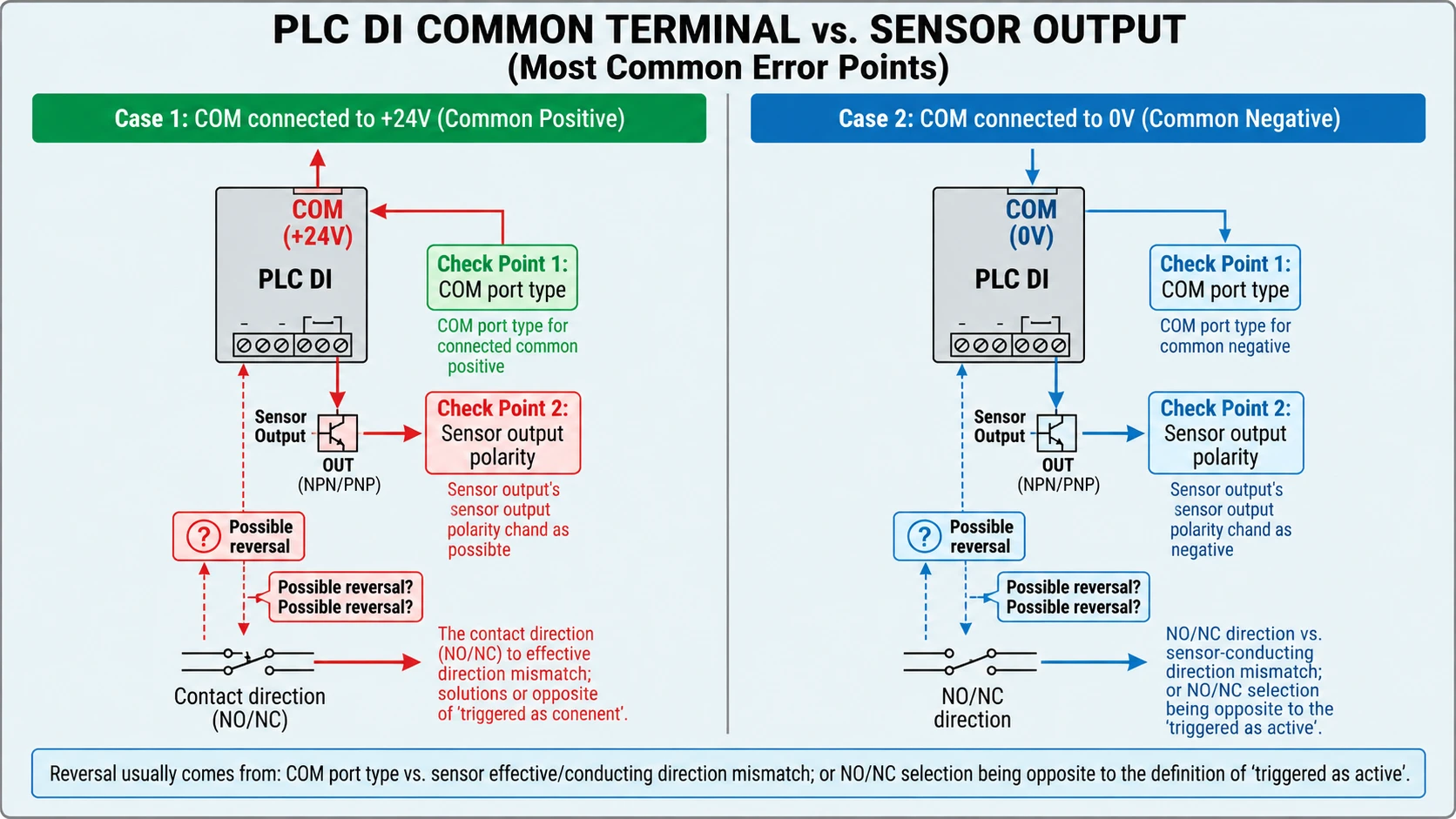
The main check point for inversion: PLC DI common terminal type • Common positive (COM connected to +24V): when the external load circuit is established in the way of “valid = conducting”, the PLC DI will typically identify it as high level valid (1). • Common negative (COM connected to 0V): when the external circuit is established, the mapping of “valid” for the PLC DI will change with the common terminal port convention, and ultimately shows on the program side as which side of the high level/low level is read.
5. Validation and Troubleshooting Workflow
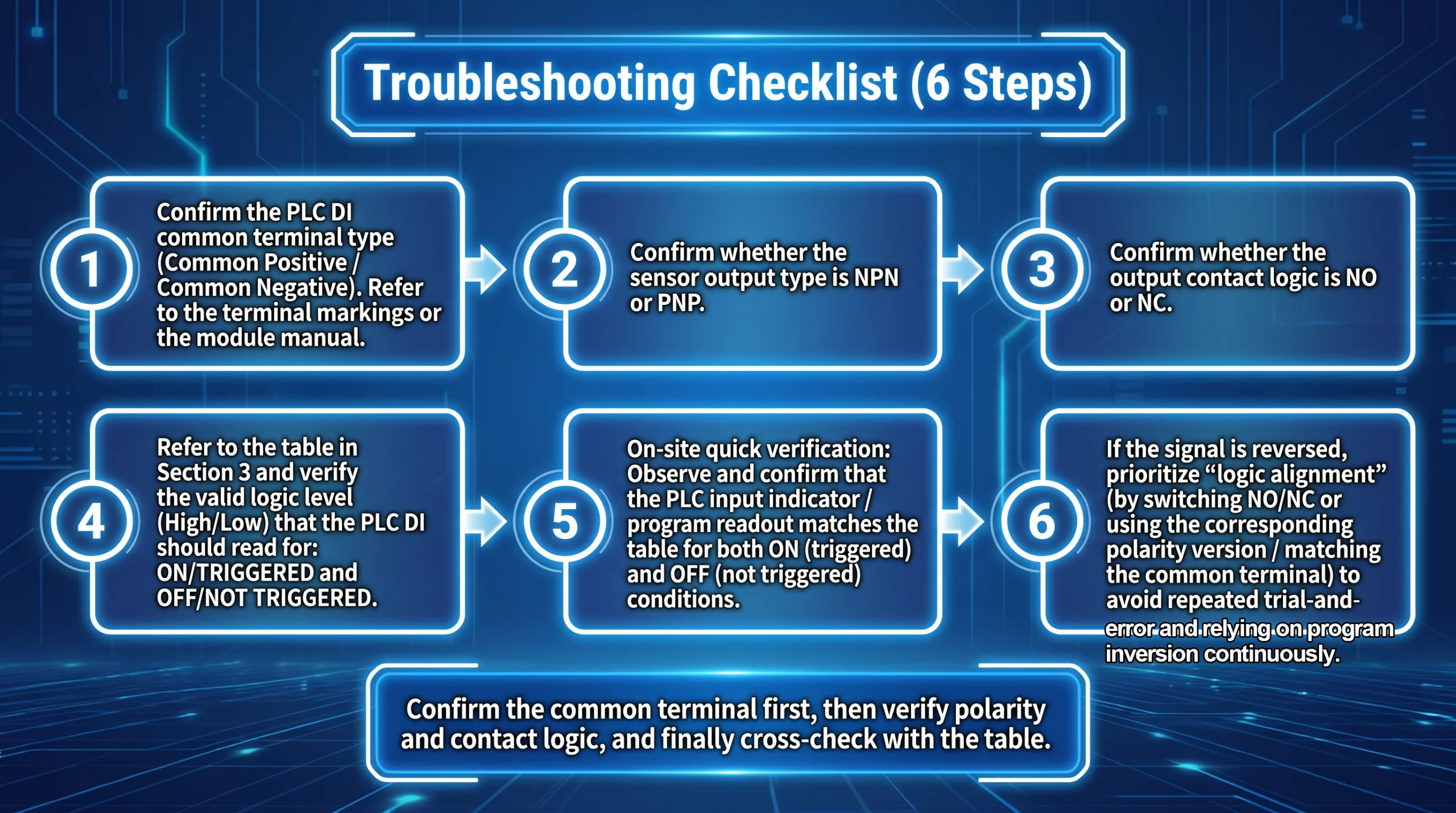
It is recommended to turn troubleshooting into a reusable step checklist to reduce repeated trial-and-error wiring: 1.Confirm the PLC DI common terminal type (common positive / common negative). Follow terminal labeling or the module manual. 2.Confirm whether the sensor output version is NPN or PNP. 3.Confirm whether the output contact logic is NO or NC. 4.Refer to the mapping table in Section 3 and verify the valid level (high/low) that should be read for PLC DI in the states in/triggered and not in/not triggered. 5.Field quick verification: observe whether the PLC input indicator / program read value matches the table in both in-position and not-in-position conditions. 6.If inversion is found, first adjust “logic alignment” (by switching NO/NC or replacing the corresponding polarity version / common terminal matching) to avoid repeated trial wiring and continuous reliance on PLC program inversion.
6. Conclusion: The shortest rule to avoid inversion
To reduce wiring and logic errors, verify three things separately: NPN/PNP electrical compatibility, NO/NC switching behavior, and the PLC application logic. Confirm the expected raw input bit in both triggered and not-triggered conditions, and document any intentional program inversion.
الأسئلة الشائعة
Q1: I wired it correctly, but it’s still inverted. What is the most likely item that wasn’t aligned?
A1: First verify electrical compatibility and wiring using the sensor and PLC module manuals. Then check the sensor’s NO/NC behavior and compare the raw PLC input bit and program logic with the intended application state.
Q2: The same position is inverted when moving to another station—why?
A2: Check whether the two stations use different PLC input modules, COM wiring, sensor output versions, NO/NC settings, or PLC program logic. Verify electrical compatibility first, then compare the raw input bit and the application logic at both stations.
Q3: After SET learning / debugging, the inversion becomes more obvious. Is that reasonable?
A3: Teaching or adjustment can change the switching point or detection window. If the signal changes repeatedly near a boundary, check the taught settings, hysteresis, target stability, and response time. This is different from a consistently inverted application signal. Teaching normally does not change the sensor’s NPN/PNP electrical output type.
Q4: If it is clearly inverted, can I simply invert it in the PLC program directly?
A4: Yes. If the sensor and PLC input are electrically compatible and the raw input is stable, program inversion can be a valid long-term design choice. Document the inversion and use clear variable names for both the raw input and the application state. Program inversion cannot fix an incompatible electrical connection and should not be treated as a safety measure.
Q5: How can I quickly confirm on site whether it is active-high or active-low?
A5: Observe the raw PLC input bit in both triggered and not-triggered conditions, and compare it with the sensor output state and module documentation. If voltage polarity matters, measure the output voltage relative to the correct reference point. A PLC bit of 1 or 0 alone does not necessarily establish whether the sensor output voltage is active-high or active-low.
Q6: If this is an interlock/safety-related point (requires fail-safe behavior), how should NO/NC be selected?
A6: Define the required safe state through a risk assessment and select appropriately rated sensors, input devices, diagnostics, and control architecture. An NC output alone does not make a sensing function fail-safe. Follow the applicable safety requirements and the device manufacturers’ instructions.
-
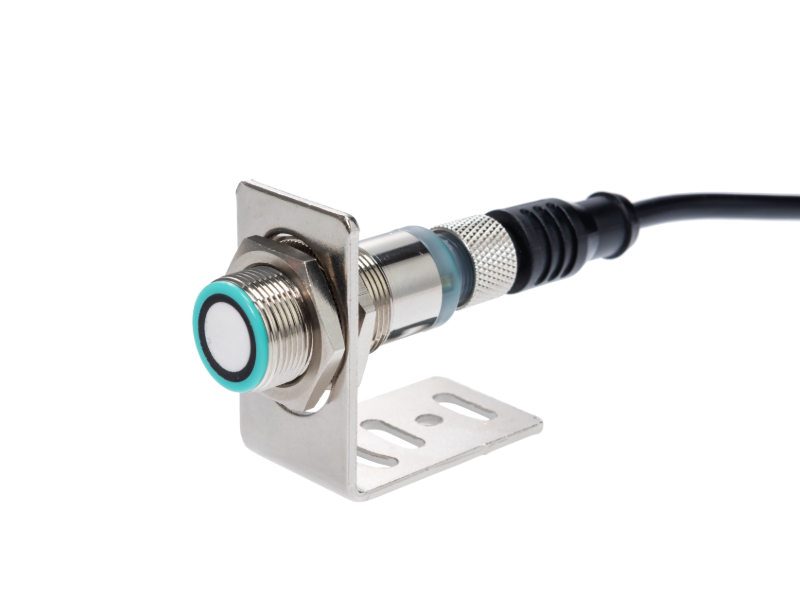
جهاز استشعار المسافة بالموجات فوق الصوتية قصيرة المدى عالية الدقة | 500 مم مستشعر مسافة قصيرة المدى بالموجات فوق الصوتية | 200 كيلو هرتز
-
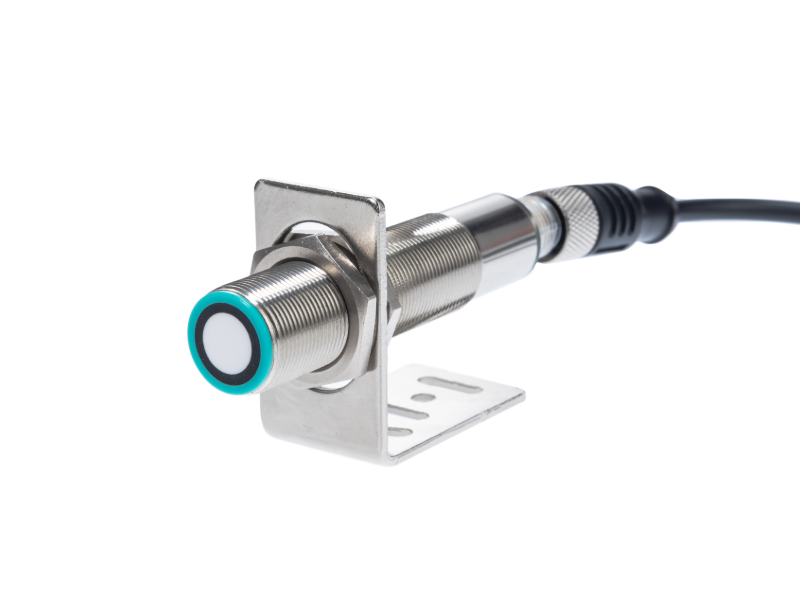
جهاز استشعار بالموجات فوق الصوتية الكل في واحد ISSRSensor: 1 متر مستوى المدى والكشف عن الأجسام
-
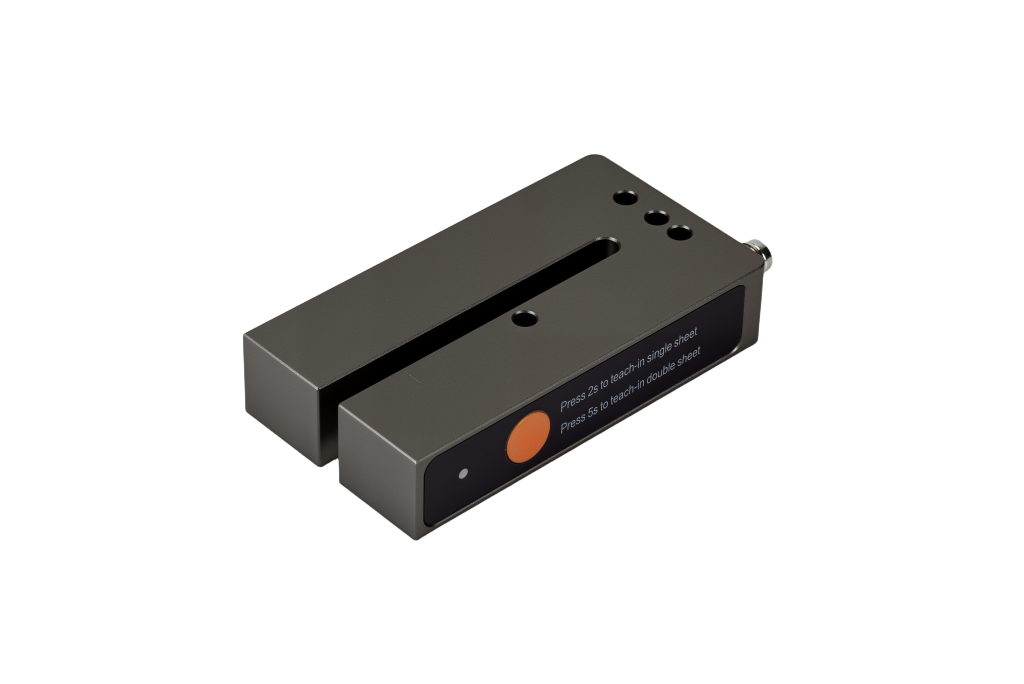
مستشعر الملصقات عالي الدقة بالموجات فوق الصوتية ISSRSensor للمواد الشفافة وغير الشفافة
-
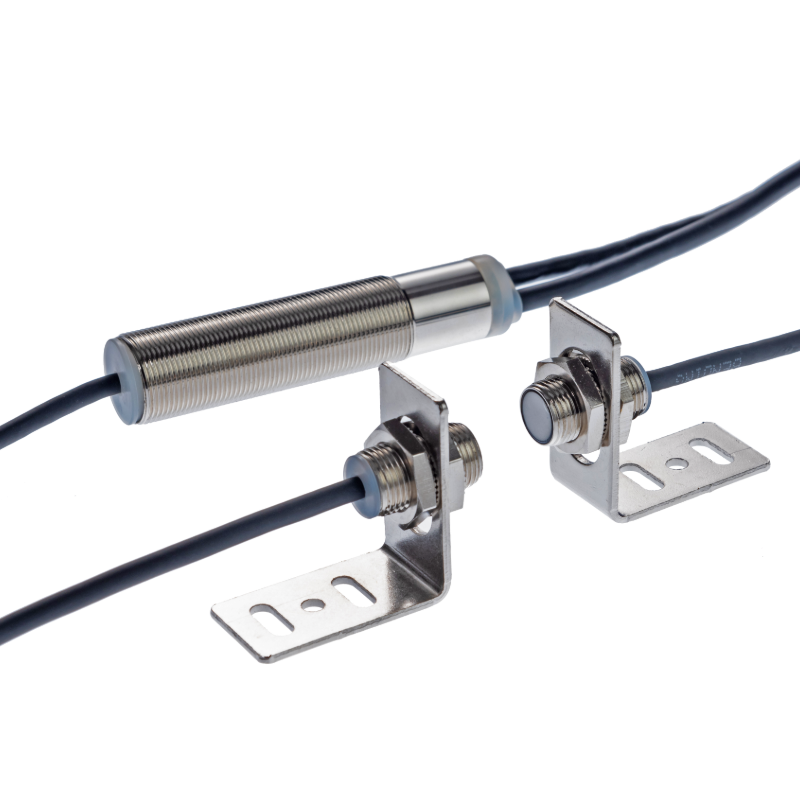
مستشعر الكشف عن الصفيحة المزدوجة بالموجات فوق الصوتية ISSRS Sensor M12
-
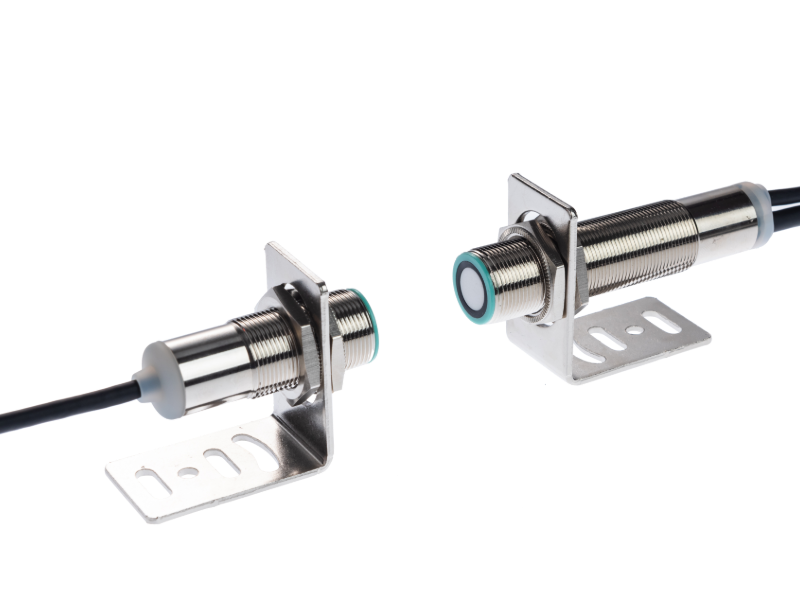
جهاز الاستشعار بالموجات فوق الصوتية المزدوجة للصفائح المزدوجة ISSRS Sensor | الكشف عن المواد المتعددة للأتمتة
-
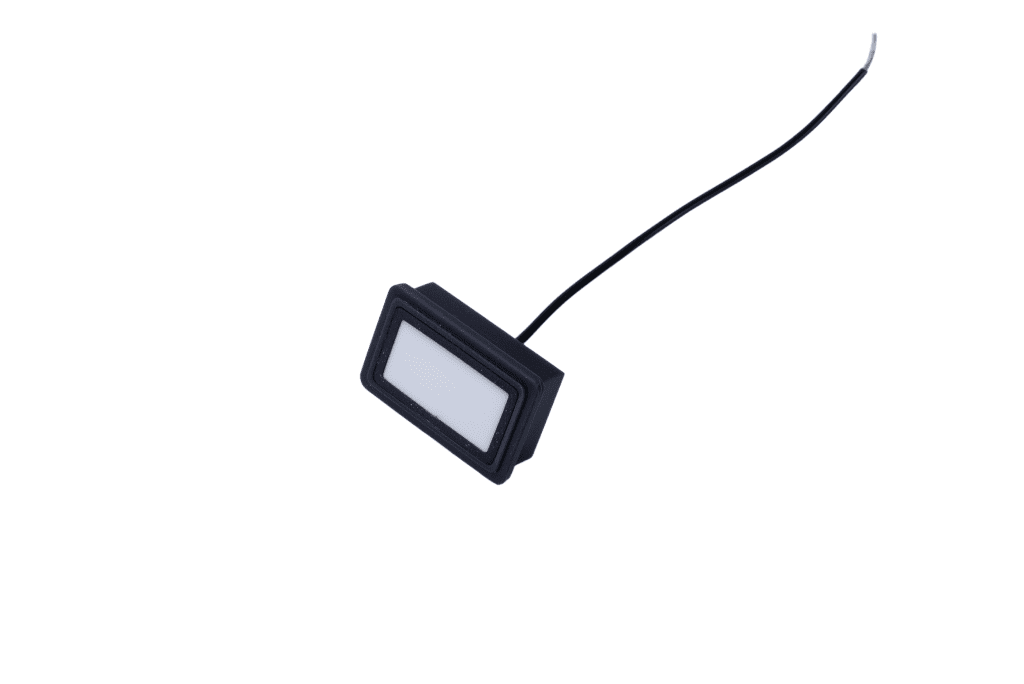
جهاز استشعار ISSRSensor مستشعر توجيه الشبكة بالموجات فوق الصوتية محول طاقة 160 كيلو هرتز - مسبار كشف وتصحيح الحواف المستطيلة
-

مستشعر الموجات فوق الصوتية ISSRSensor F7J من سلسلة Economy